
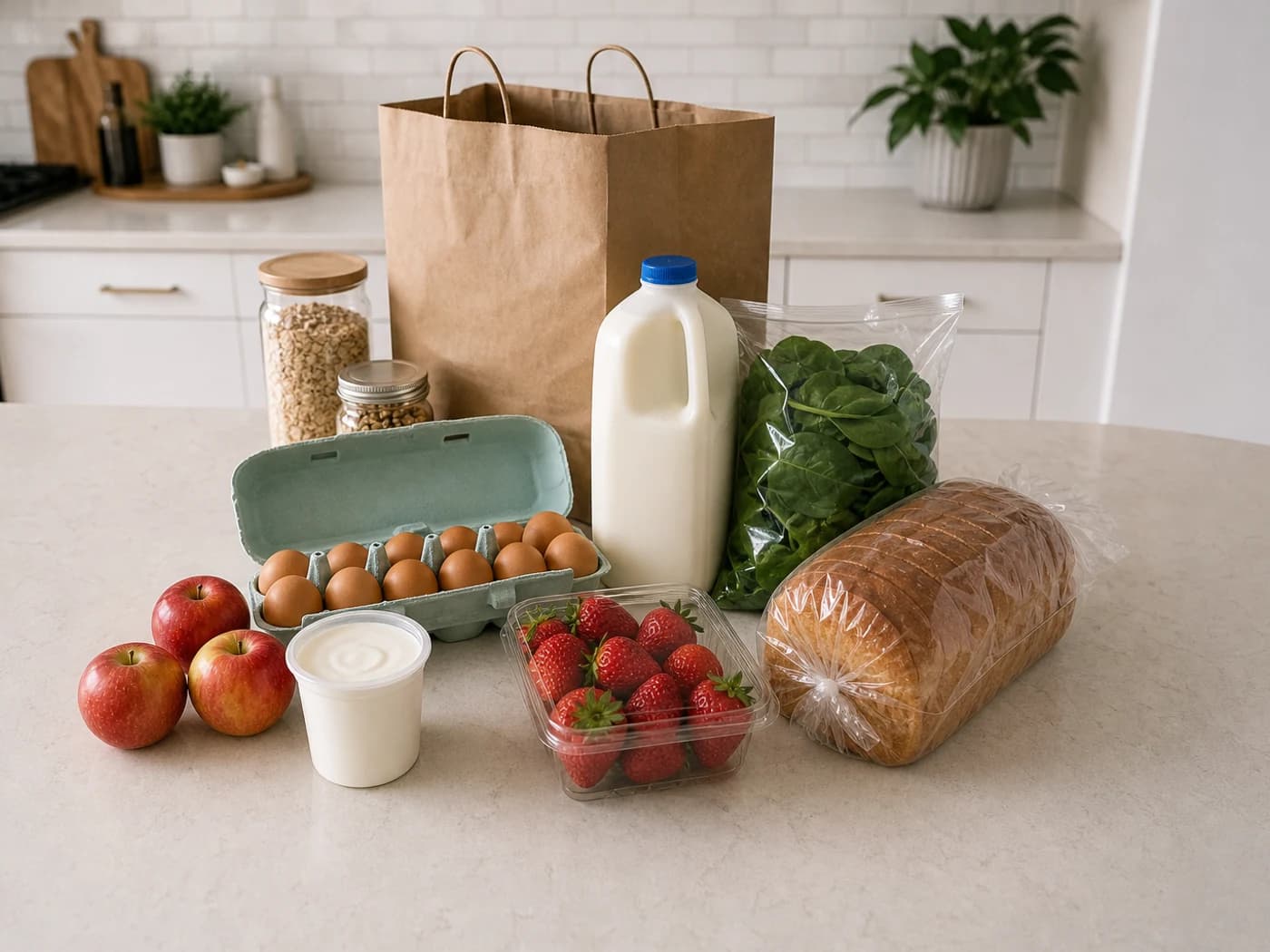
Scan what you bought
Point the camera at a grocery haul, receipt, or list. FridgeWise recognizes the foods you want to track.
Scan a grocery receipt or take a photo. FridgeWise organizes what you bought, estimates use-by timing, and reminds your household what to use first.


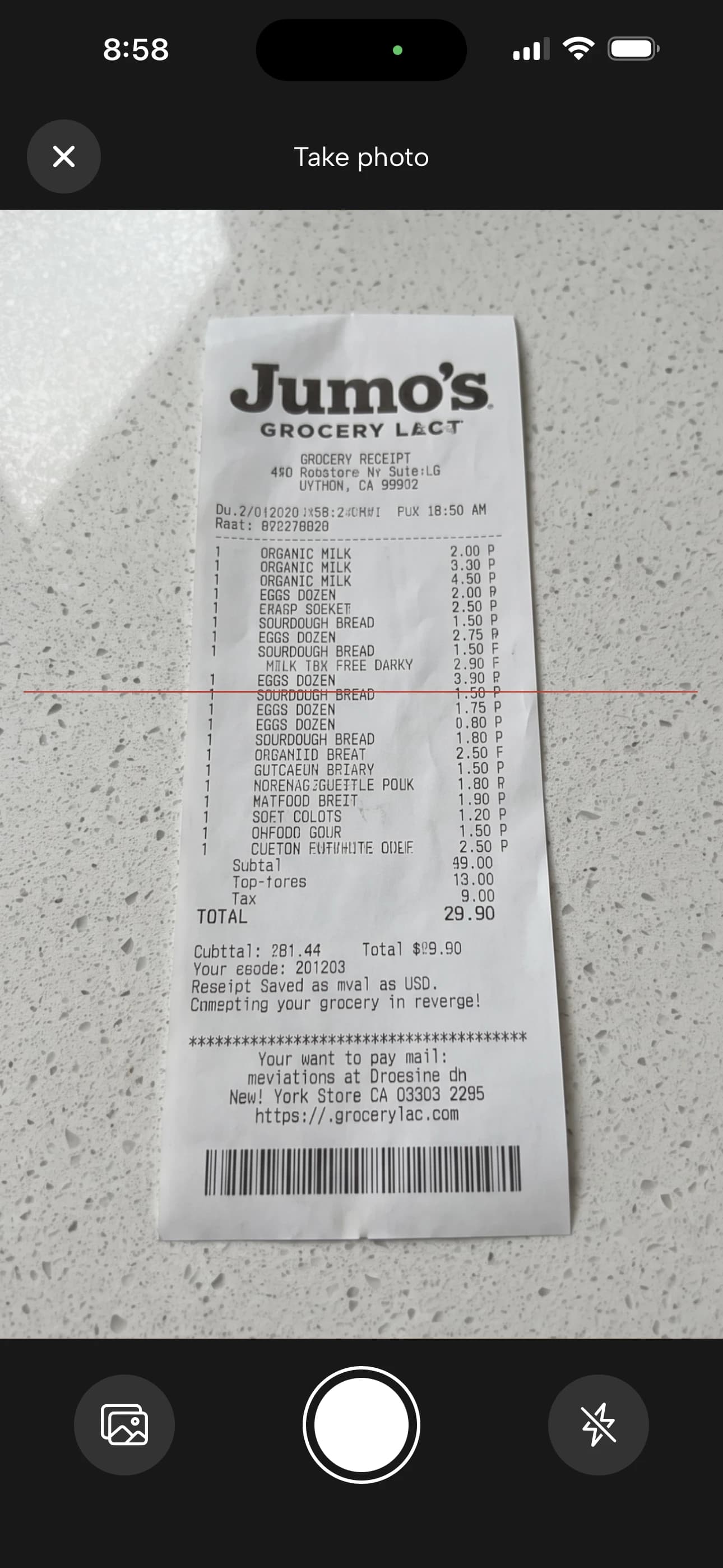
 MilkUse in 10 days
 EggsUse in 28 days
 StrawberriesUse in 3 days
FridgeWise handles the repetitive parts of grocery tracking, then keeps the right items visible when they need attention.
Point the camera at a grocery haul, receipt, or list. FridgeWise recognizes the foods you want to track.
 MilkFridge10 days
 EggsFridge28 days
 StrawberriesFridge3 days
Review recognized items, storage locations, and estimated use-by timing before adding them to your kitchen.
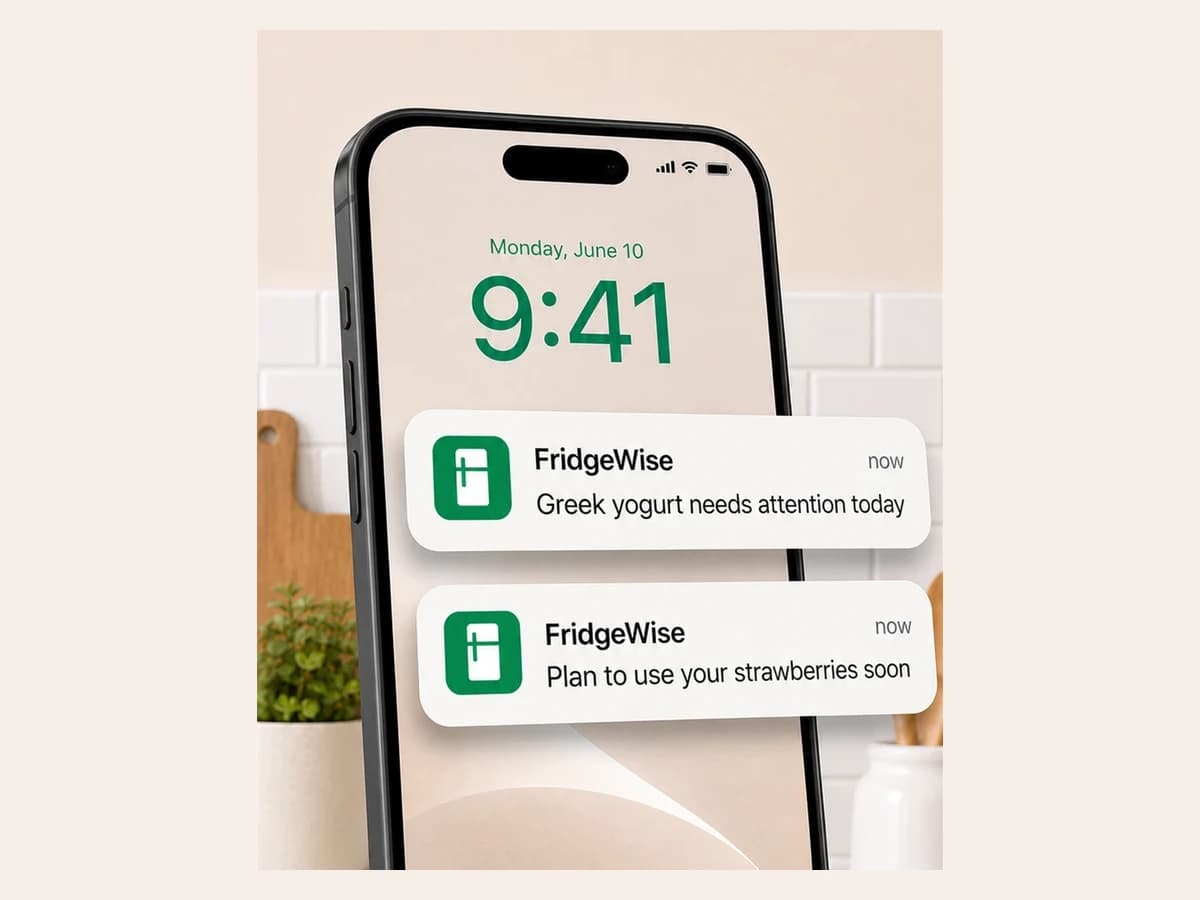
See what needs attention and get reminders based on the timing you choose.
Keep groceries organized from the moment they enter your kitchen, whether you live alone or share food with a household.
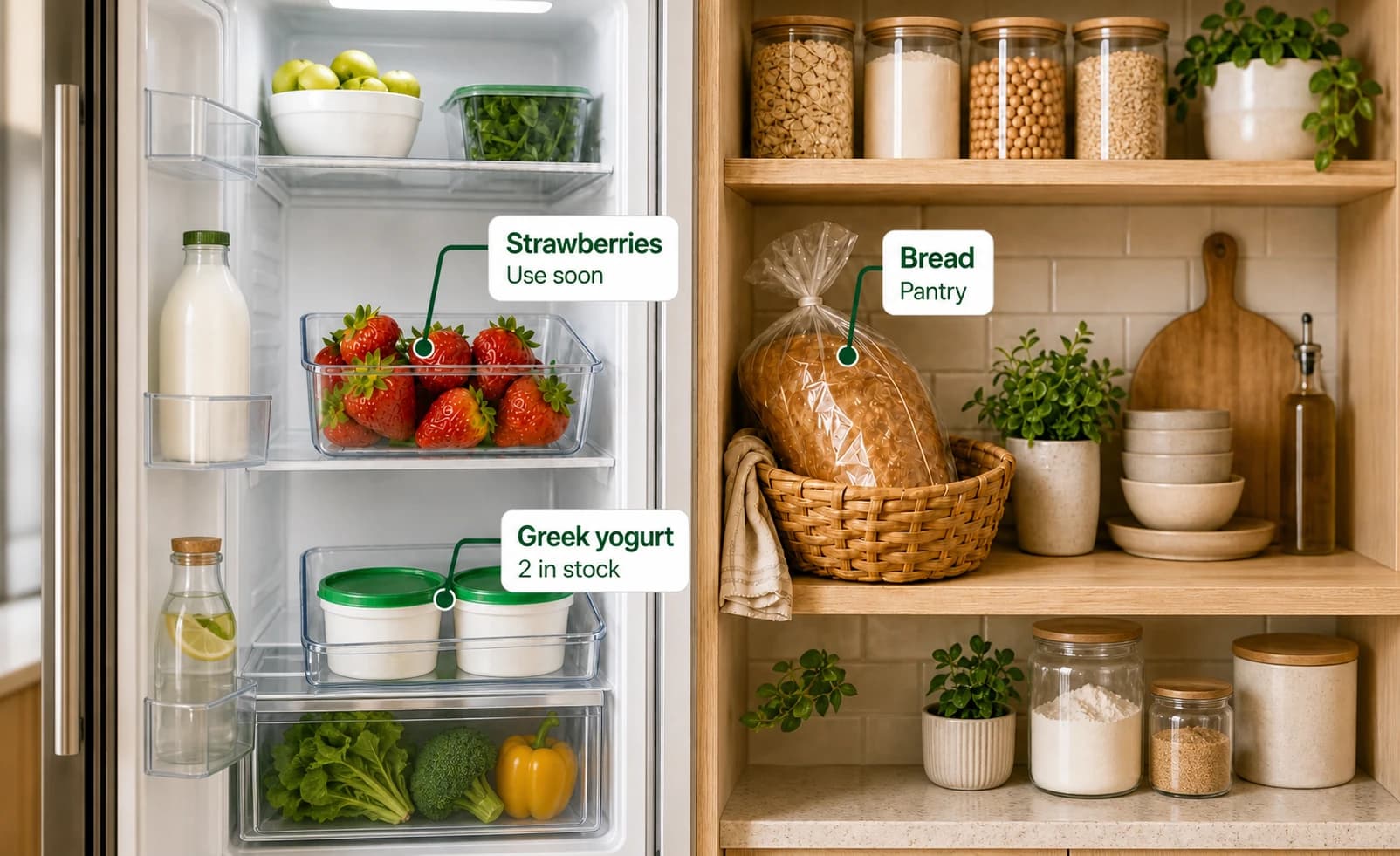
Check your fridge, freezer, and pantry before shopping, without digging through every shelf.
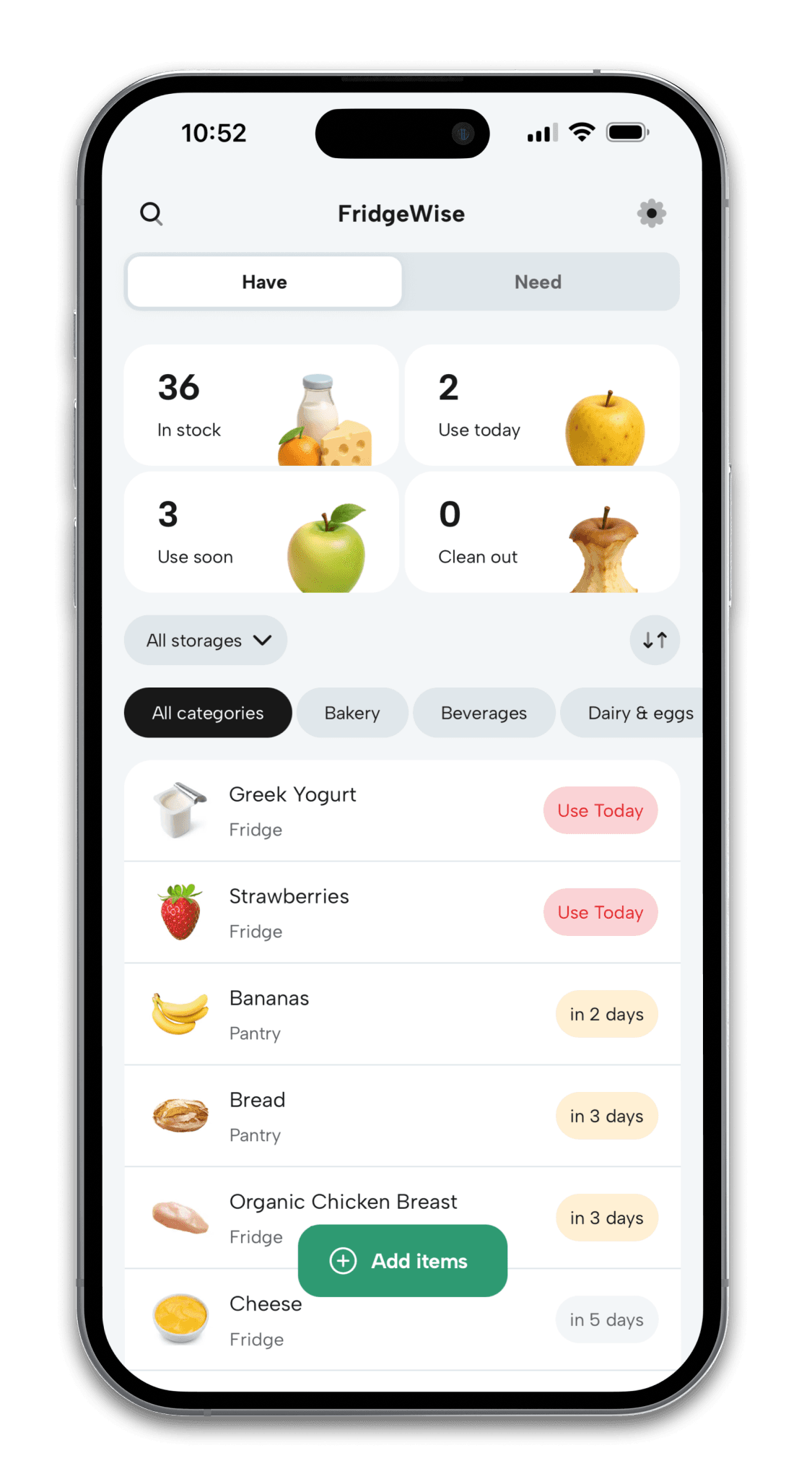
Use Today and Use Soon views bring the groceries worth checking to the top of your list.

Scan a barcode and review the prefilled name, storage location, and estimated use-by timing.
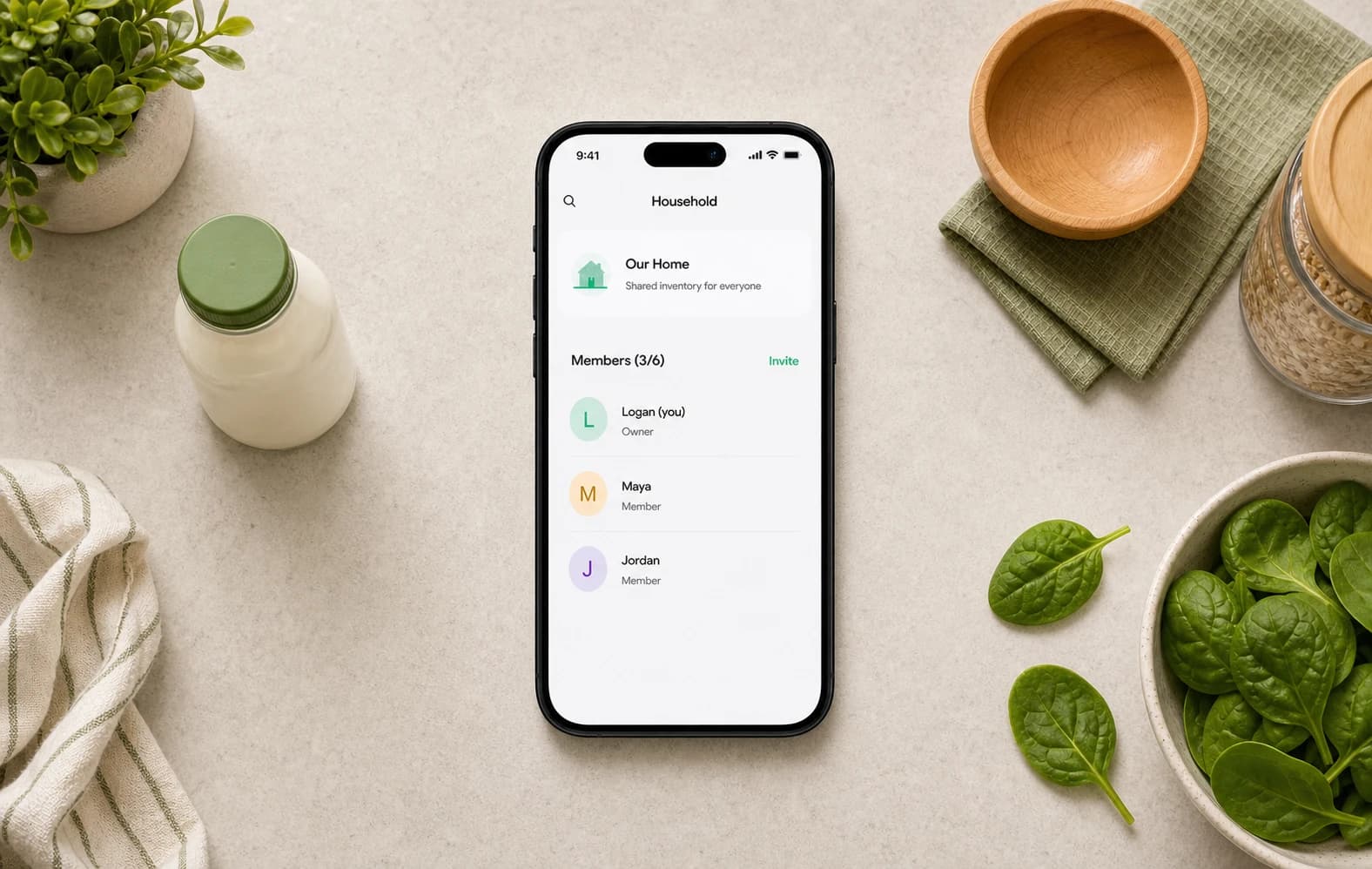
Invite the people you live with so everyone sees the same inventory and Grocery List across their devices.
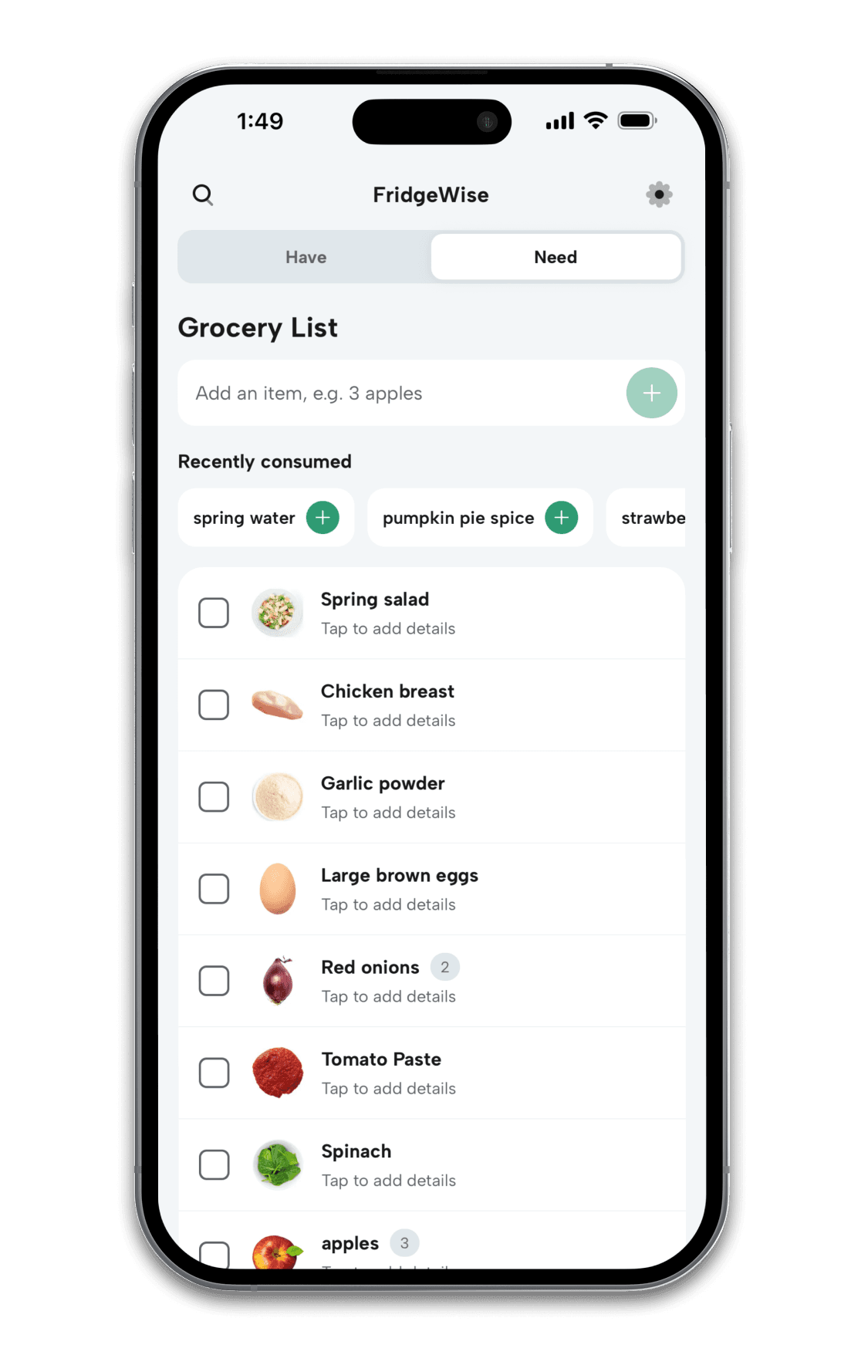
Add food or household essentials, include amounts and notes, check items off while you shop, and quickly re-add recently consumed groceries.
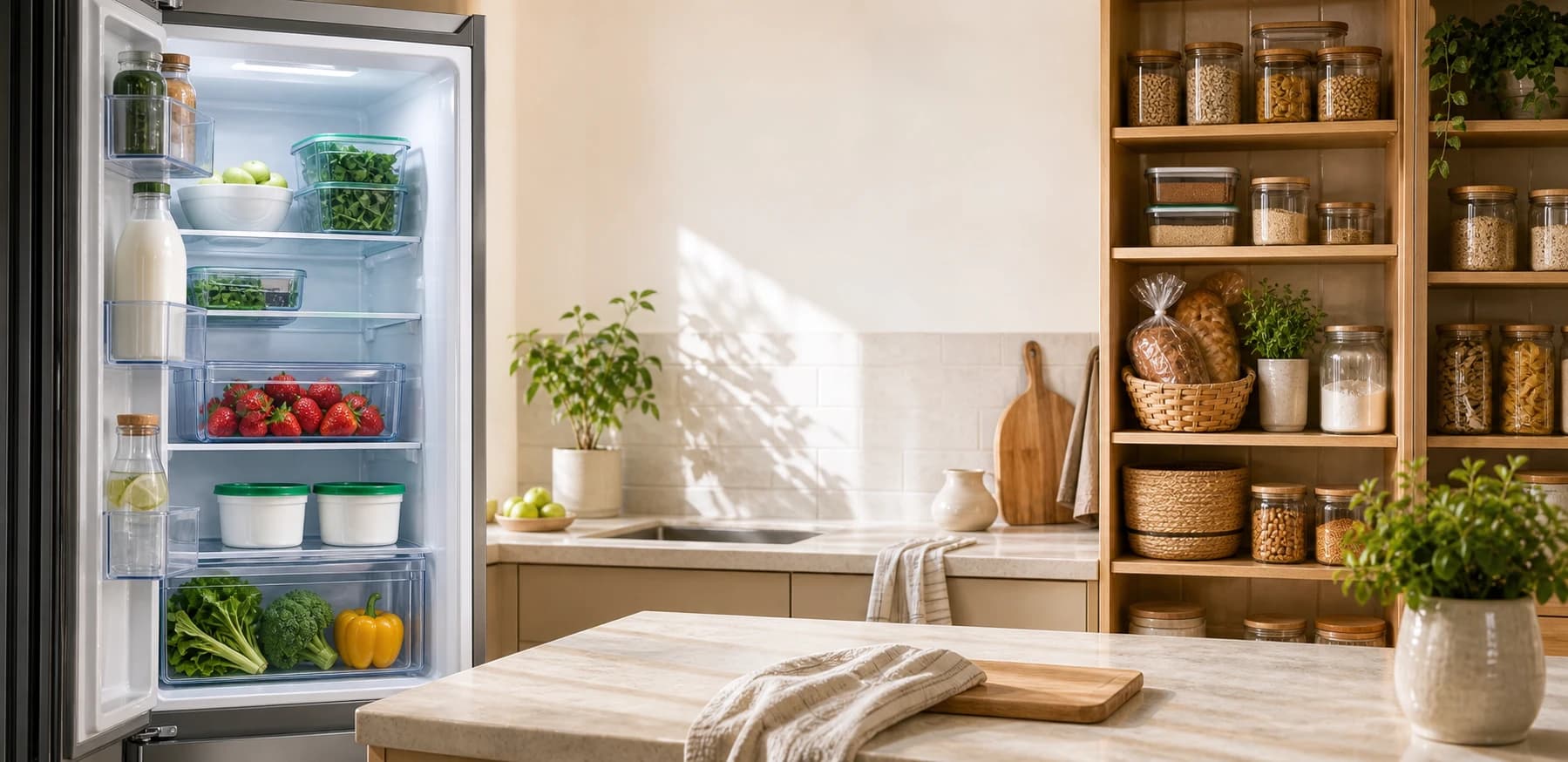
Quick answers about inventory tracking, freshness estimates, the Grocery List, household sharing, and reminders.
FridgeWise is a grocery inventory and freshness tracking app that helps you remember what you bought, organize food by storage location, and see which items may need attention soon.
Yes. “Need” is a shared Grocery List for food and household essentials. Add amounts and notes, check items off while shopping, quickly re-add recently consumed groceries, and move selected foods into “Have” when you get home.
No. Smart Import can recognize groceries from a receipt, shopping list, or photo. You can also scan a packaged item's barcode or add anything manually, then review the details before saving.
FridgeWise uses details such as the type of food, when it was bought, where it is stored, and whether it has been opened to create an estimated use-by date that you can review and edit.
No. An app-generated date is a freshness estimate, not a guarantee or a replacement for a date printed on the package. Always use your judgment and follow package and food-safety guidance.
Yes. FridgeWise highlights items that may need attention and can send reminders on the use-by day, one day before, or three days before based on the options you select.
Yes. Invite the people you share food with so everyone can view and update the same inventory, Grocery List, and storage locations from their own FridgeWise account. Each person keeps their own reminder settings.
Yes. The Basic plan includes the core inventory, freshness, and reminder features with limits on active items and monthly Smart Imports. Premium adds unlimited inventory tracking and imports, plus custom storage locations.

Scan what you bought, keep one shared inventory, and see which groceries are worth using first.
