
A shared grocery list that keeps everyone together.
A shared shopping list for your household. Add what’s missing, include the details, and check things off as you shop—all alongside the groceries you already have.


Free to download. Available on iOS and Android.
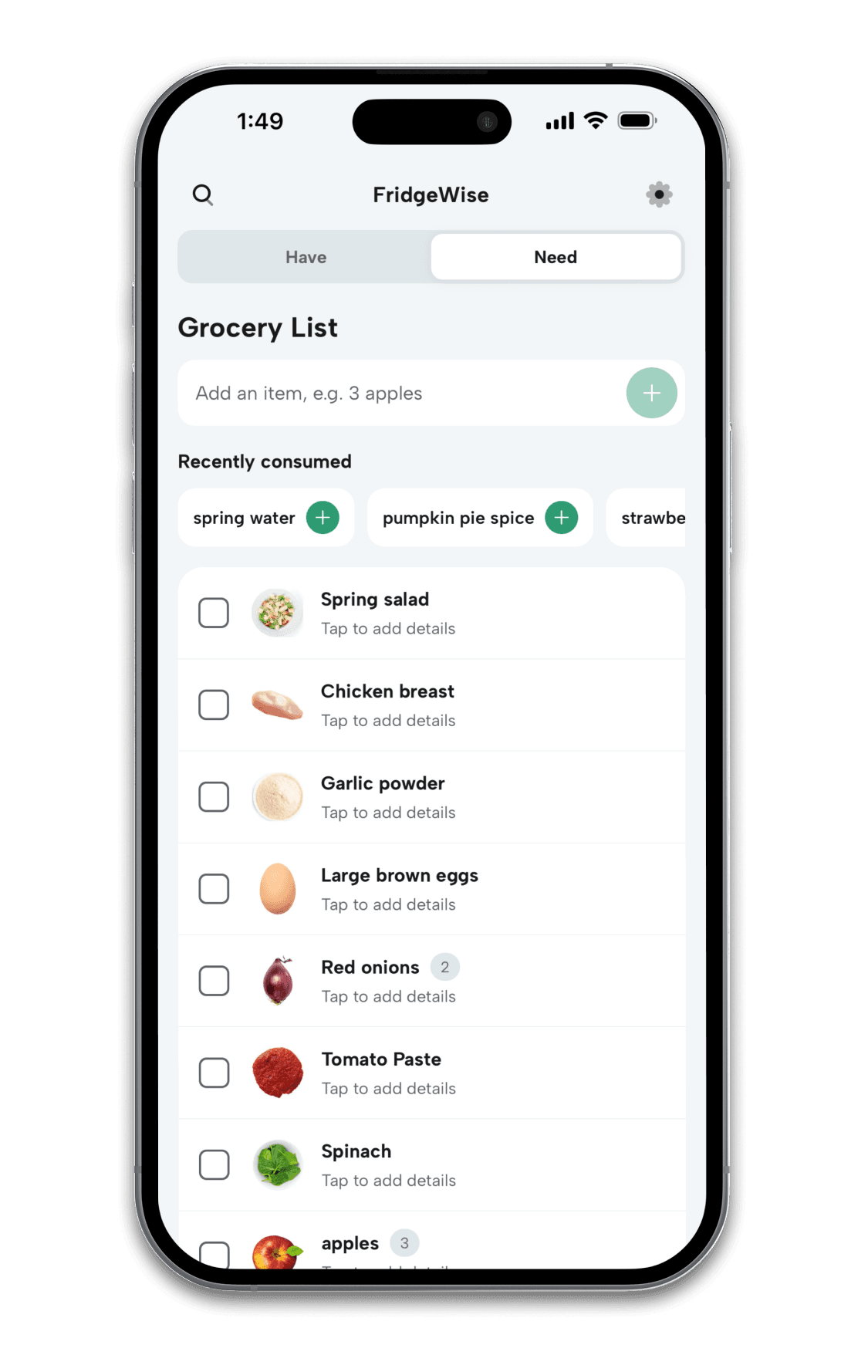
Keep everyone on the same list
Household members can add, edit, and check off items from their own devices.
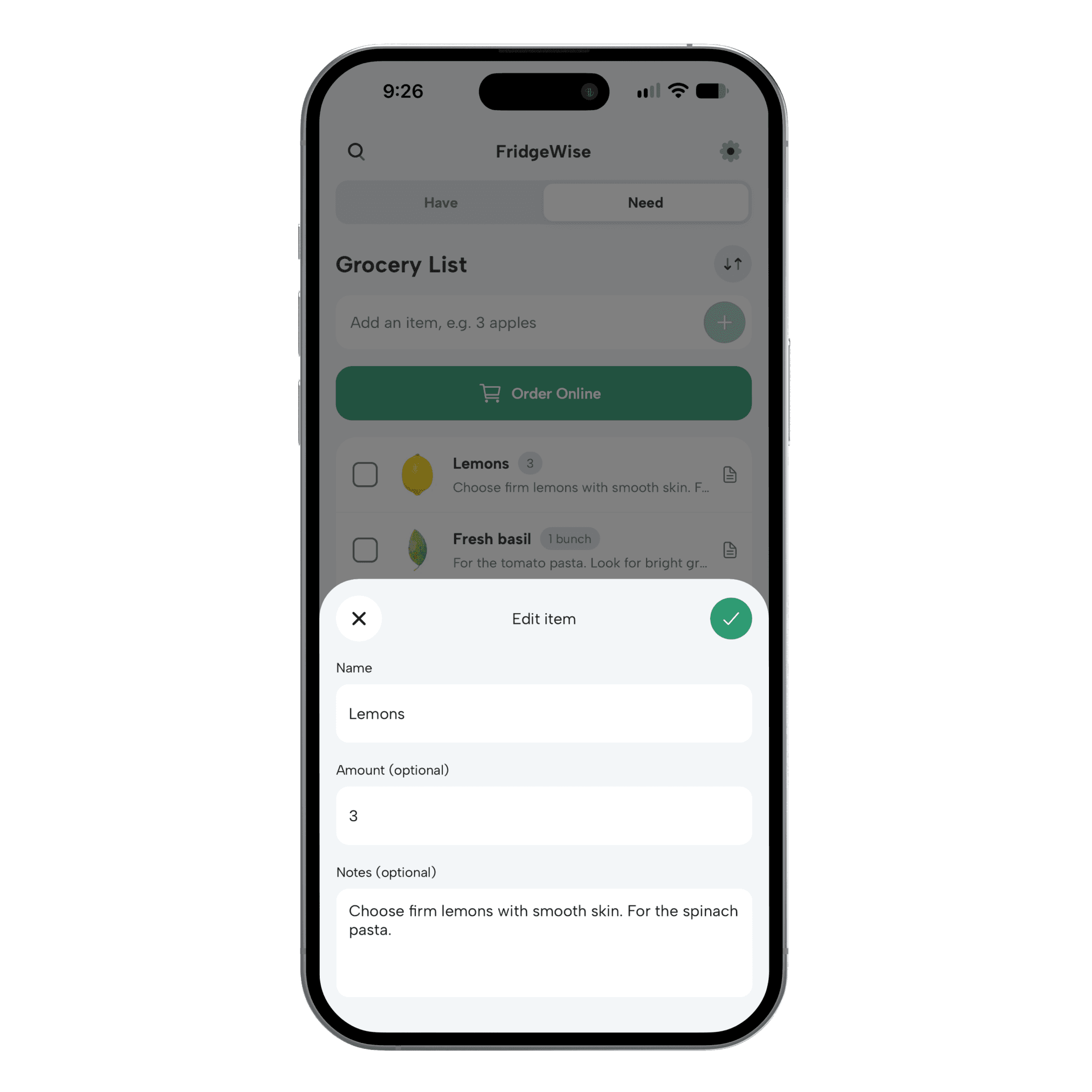
Remember the little details
Include amounts and notes for groceries and household essentials.
See both Have and Need
Keep your shopping list alongside your kitchen inventory in one app.
Made for the everyday shop
Less “did you get it?” More getting it done.
From a few things on the way home to the weekly grocery run, keep the details where your household can find them.
Add more than food
Put groceries, dish soap, paper towels, and other household essentials on the same list. Add an amount or a note so the person shopping knows what to pick up.
Bring your regulars back
Recently consumed suggestions make it easy to re-add foods you’ve used up. They’re there when you need them; you choose what goes on the list.
Take groceries from Need to Have
When you get home, copy selected foods into your inventory and review their details. Checking an item off the shopping list doesn’t automatically add it to Have.
How it works
One household. One shopping list.
Invite your household
Create your FridgeWise account and invite the people you share groceries with. Each member uses their own account and device.
Add what you need
Open Need and add food or household essentials. Include amounts and notes, and check Have for groceries you already own.
Shop from the same list
Check off items as you pick them up. Your household shares the updated list, so everyone can see what still needs buying.
Can iPhone and Android users share the same grocery list?
Yes. FridgeWise is available on iOS and Android. People who join the same FridgeWise household share its Grocery List and inventory, even when they use different platforms.
Is the shared grocery list free?
Yes. The Grocery List is free and unlimited, and household sharing is available on Basic. Limits on inventory items and Smart Imports are separate from the Grocery List.
Can everyone add items and check them off?
Yes. Household members can add and edit entries, change amounts and notes, and check or uncheck items. Everyone works from the same shared list on their own device.
Can I add household supplies as well as groceries?
Yes. Need supports food and non-food items. You can keep milk, fruit, cleaning supplies, and other household essentials together, with amounts and notes when useful.
Does checking off an item add it to my inventory?
No. Checking off an item marks it on the shopping list. When you’re ready, you can explicitly copy selected foods into Have and review their storage and use-by details. Your shopping list entries stay in place until you clear or remove them.
Make the next grocery run a shared one.
Download FridgeWise, invite your household, and start a list everyone can use.