
Find recipes with ingredients you already have.
Search recipes by ingredients in the FridgeWise app for iOS and Android. Choose foods from your kitchen inventory and find something to cook with what you already have.


Free to download. Available on iOS and Android.
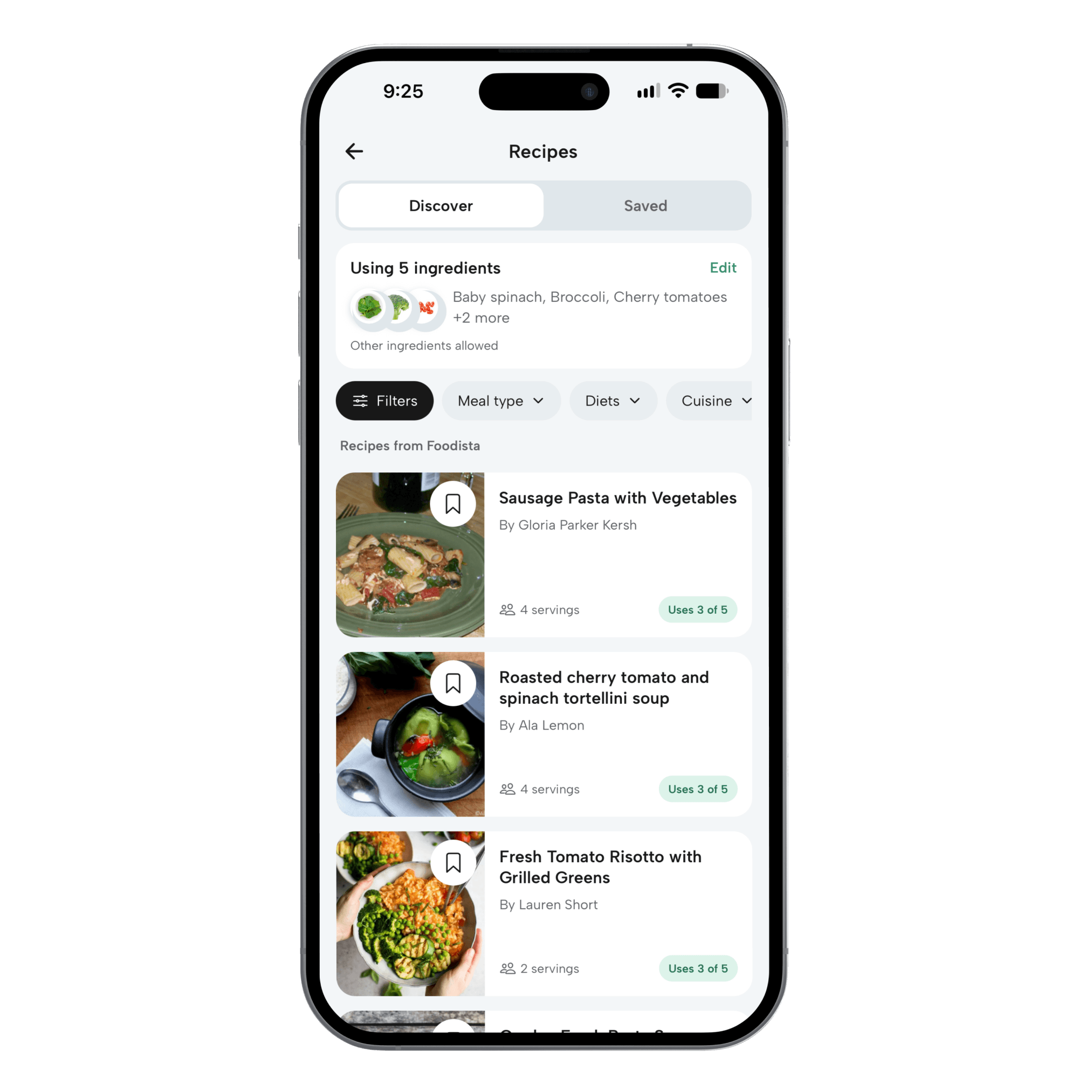
Start with your groceries
Discover recipes from ingredients you’re already tracking in your kitchen inventory.
Put use-soon food first
Start with Use Today and Use Soon ingredients when they’re available.
See what matches
Compare recipes by how many of your selected ingredients they use.
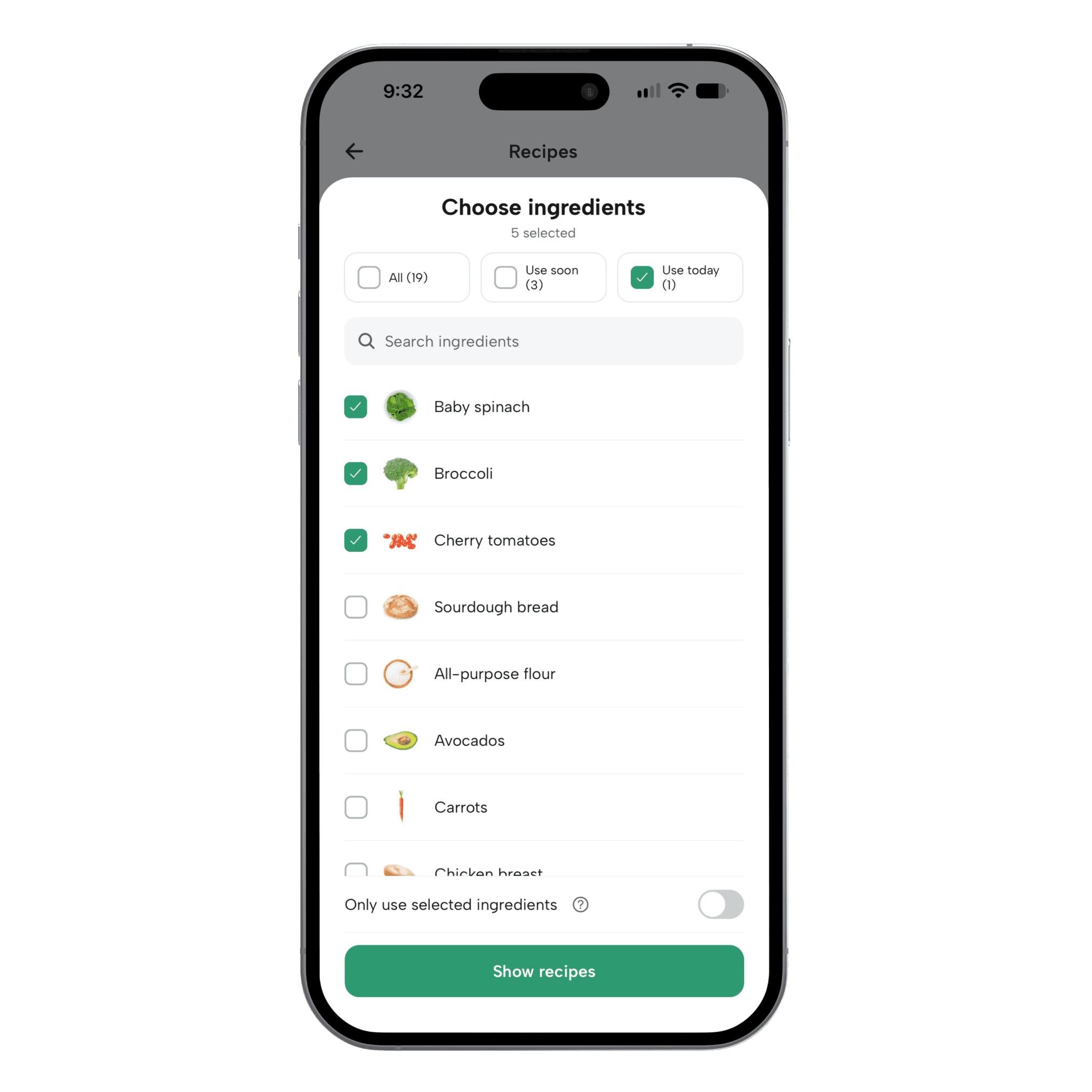
Let your ingredients lead
A little direction for “what’s for dinner?”
The spinach you meant to use. The tomatoes in the drawer. Start with the groceries you want to cook, then choose a recipe that works for you.
Choose what you want to use
Select individual foods from your inventory, use the freshness presets, or include everything. You’re in control of which ingredients guide the search.
Keep the search close to home
Turn on Only use selected ingredients to exclude recipes with other required ingredients. Pantry basics such as salt, pepper, oil, and water, plus optional ingredients, may still appear.
Find a recipe worth making
Browse existing recipes from Foodista, see ingredient matches, and review the full ingredients and instructions before cooking.
How it works
From what you have to what to cook.
Start with your inventory
Add the groceries in your kitchen, then open recipe ideas. Use Today and Use Soon foods give you a starting point when available.
Choose your ingredients
Review the selection and pick the foods you want to cook with. Decide whether recipes can include other ingredients.
Find your next meal
Browse the matches and open a recipe to review what it needs. Use the ingredient counts to see how much of your selection it includes.
How do I find recipes with ingredients I already have?
Add your groceries to FridgeWise, open recipe ideas, and select the ingredients you want to use. FridgeWise searches existing recipes and shows how many of your selected ingredients each result includes.
Can I search using only my selected ingredients?
Yes. Turn on Only use selected ingredients in the ingredient picker. Other required ingredients are excluded, but pantry basics such as water, salt, pepper, and oil, as well as optional ingredients or garnishes, may still appear. Always review the recipe’s full ingredient list.
Does every recipe use every ingredient I select?
Not necessarily. Results show how many of your selected ingredients appear in each recipe. The selected-ingredients-only option limits additional required ingredients; it does not require a recipe to use every item you picked.
Does FridgeWise generate new recipes with AI?
No. FridgeWise finds existing recipes from Foodista using ingredients in your inventory. It helps you discover something to cook from the food you have, rather than generating a new recipe.
Can I try recipe searches for free?
Yes. Basic includes a limited number of recipe searches each month. Premium includes unlimited searches for normal personal use. Your current allowance is shown in the app, and opening a recipe does not use another search.
Give tonight’s dinner a starting point.
Open your kitchen inventory, pick a few ingredients, and see what you could cook.